
The fear isn't that it can't be built
— it's that it can't be explained
On any job from groundbreaking to handover, the thing you fear most isn't that it can't be built — it's that it can't be explained. The owner asks how far along the work is, the supervisor needs records, the final settlement needs records — yet the data is scattered across everyone's phone, paper forms, and LINE groups. SiteDrills writes years of real on-site practice, line by line, into one management platform.
One project, one dashboard
The concept is simple: one project, one dashboard. Run five projects at once and you get five independent dashboards. Files, people, and records stay separated by project, and switching between them is as easy as turning a page. And every dashboard is assembled from individual building blocks.
Progress Gantt · how far along is the work
The first thing owners and supervisors ask is almost always: how far along is the work? Especially for structural work — tying rebar, setting formwork, pouring concrete — the Gantt chart shows in real time where each task started, where it is now, and where it's scheduled to be today. Lay multiple tasks side by side and you see at a glance which are ahead, which are behind, and which need to be pushed to catch up.
Assign a must-see · auto-notify and track
What a site needs most is the answer to: what should be done — and was it actually done? For any block you can assign a specific colleague to review and update it, and their phone gets a notification reminder. Whoever responds, and whenever they respond, the system keeps a record. The things that matter no longer get buried under a stream of LINE messages.
Weather log · every entry time- and location-stamped
Every day you record that day's weather — clear, cloudy, rain, heavy rain, or typhoon. The editor just picks an option in the block and uploads a photo, and every entry is automatically stamped with the time and GPS location. During construction, a heavy-rain advisory or a government-declared typhoon day both affect the schedule. A full 365 days of records stay easy to look up in the weather log.
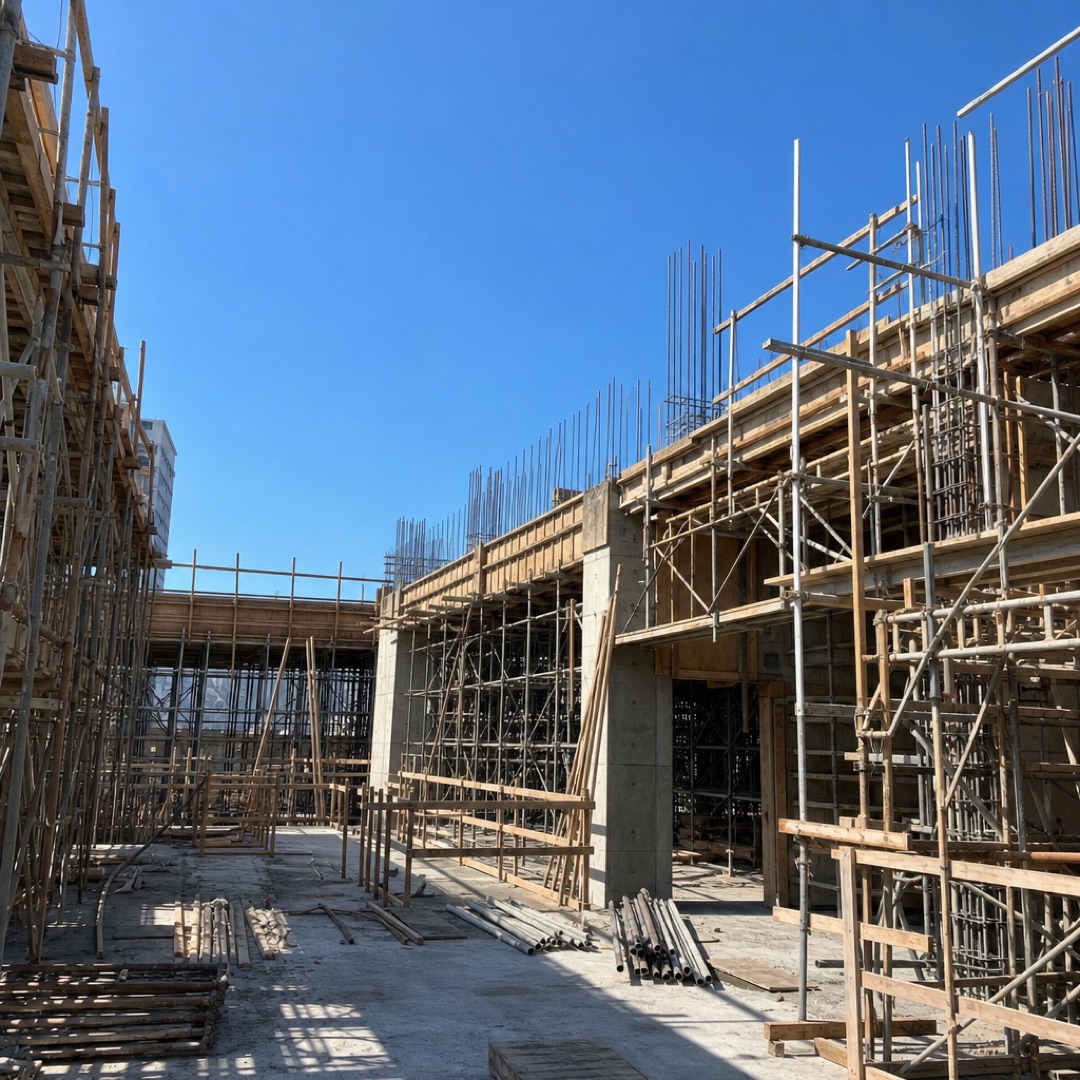
CCTV · no need to be on site
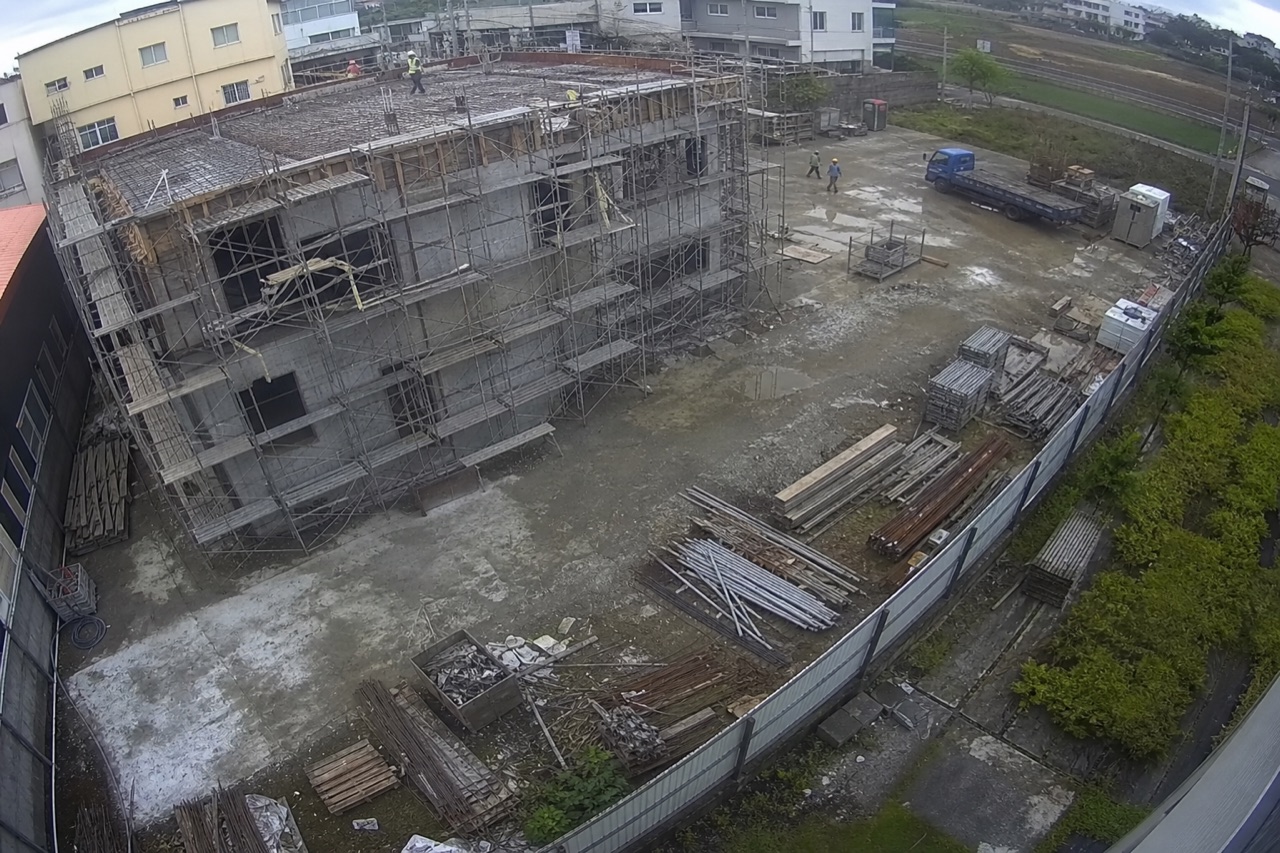
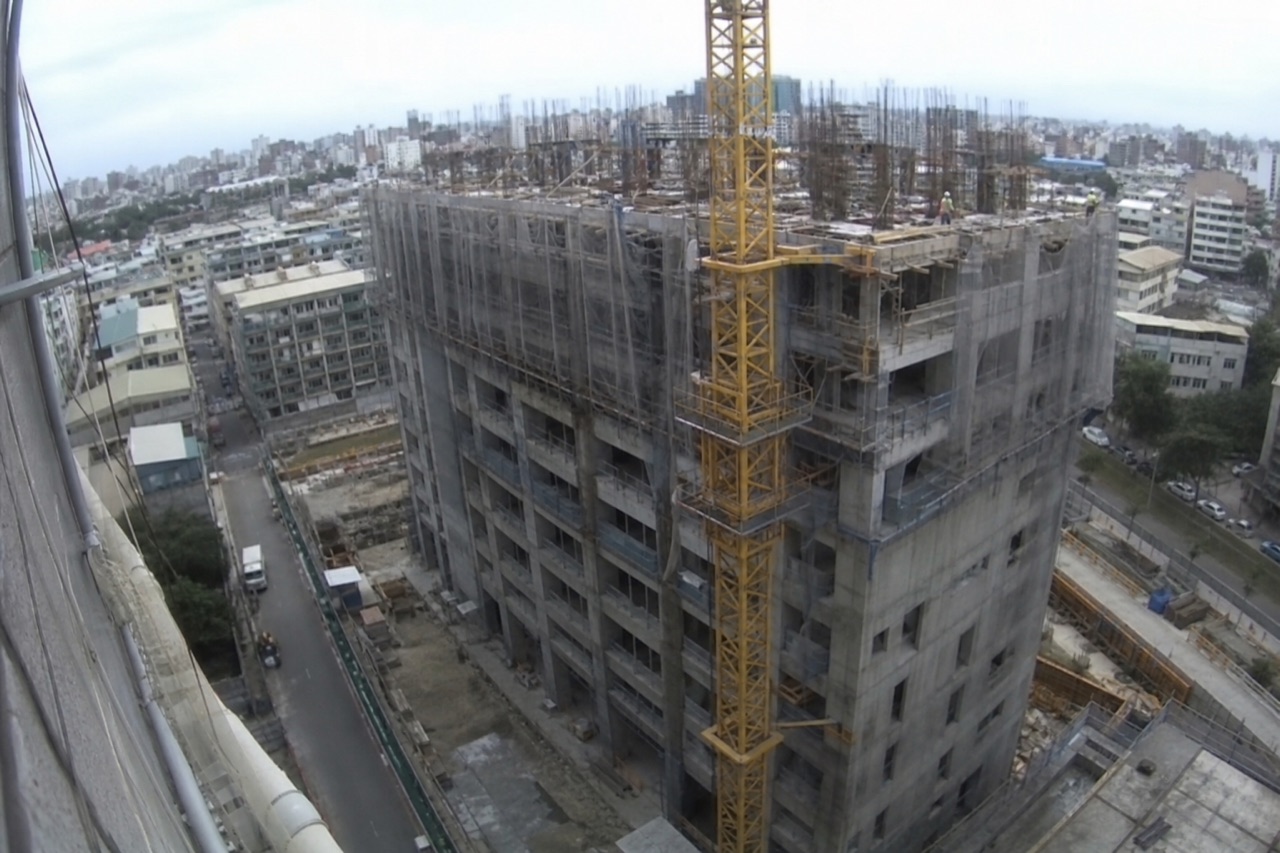
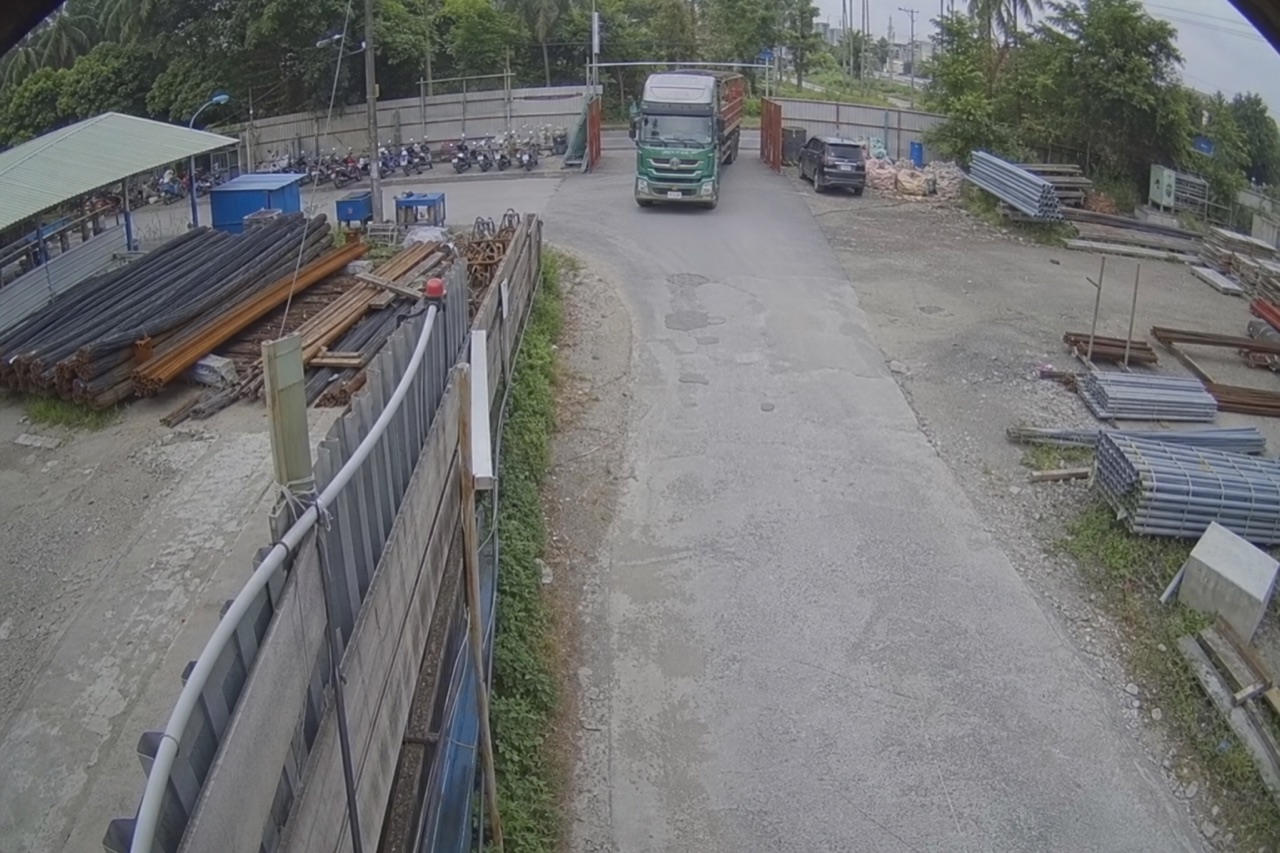
The on-site CCTV connects straight into the dashboard — a live view of the real site, playing automatically. Owners, architects, design consultants, the contractor's head office, and other parallel parties, wherever they are, can see exactly what's happening on site without having to be there in person.

Snap and upload · auto-filed
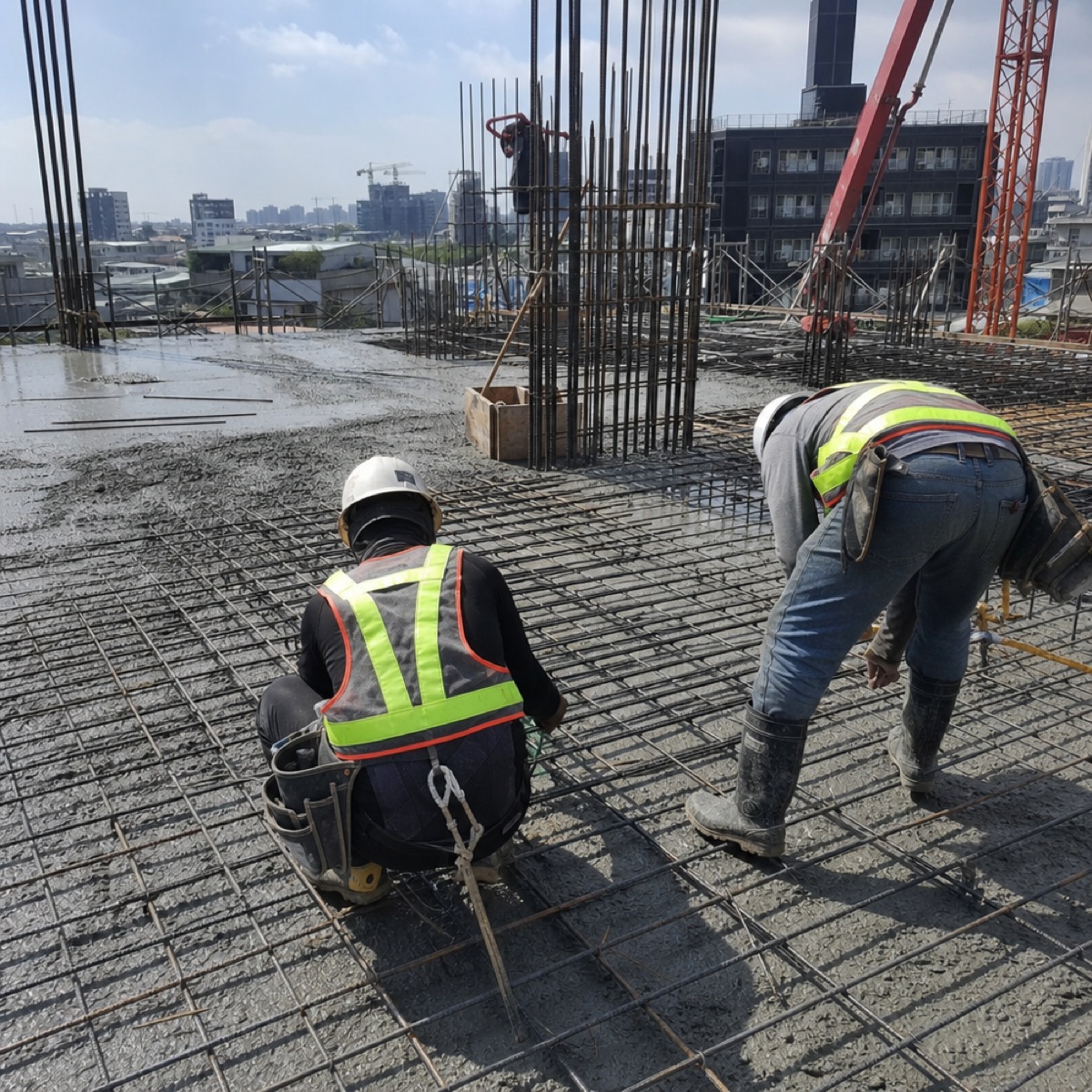
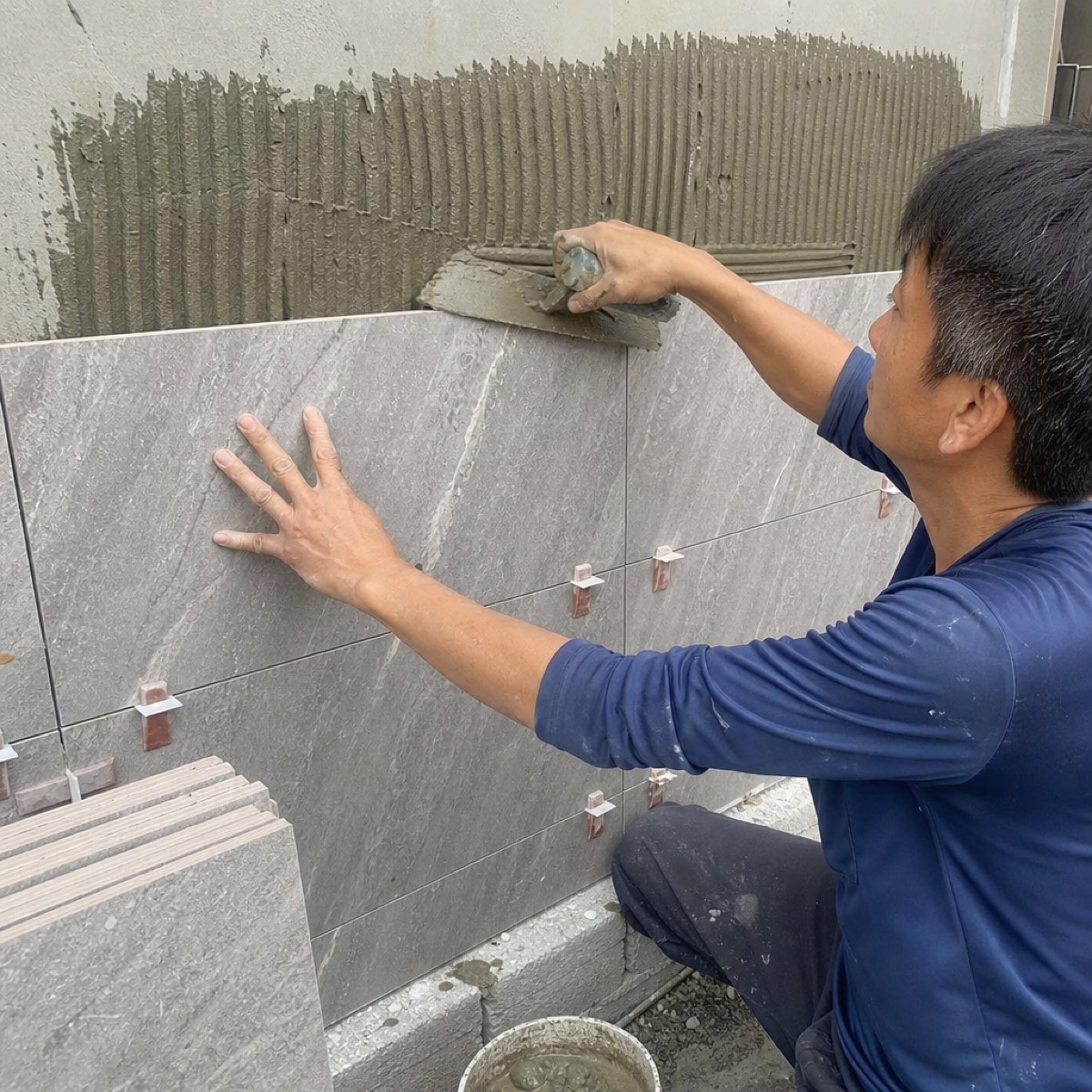
The most time-consuming task every day is gathering photos and files. The online platform lets you upload site photos and files on the spot, and the system automatically files them into that day's folder and records the upload time. Need a particular day's data? Just look it up in the calendar inside the block.

Calendar · the whole month at a glance
The Calendar block can be set up however you need — set it to a weather log to record conditions, or to a schedule for planning. Inspection days, ready-mix concrete deliveries, crew rotations — just tap a color marker in a cell and take in the whole month at a glance.
Document preview · no download
Important documents — drawings, official agency letters, construction plans — whether PDF or Word, can be viewed directly inside the document-preview block. No downloading, no opening a separate app. The content is easy to work with and clear to everyone at a glance.
Gallery · curated site photos
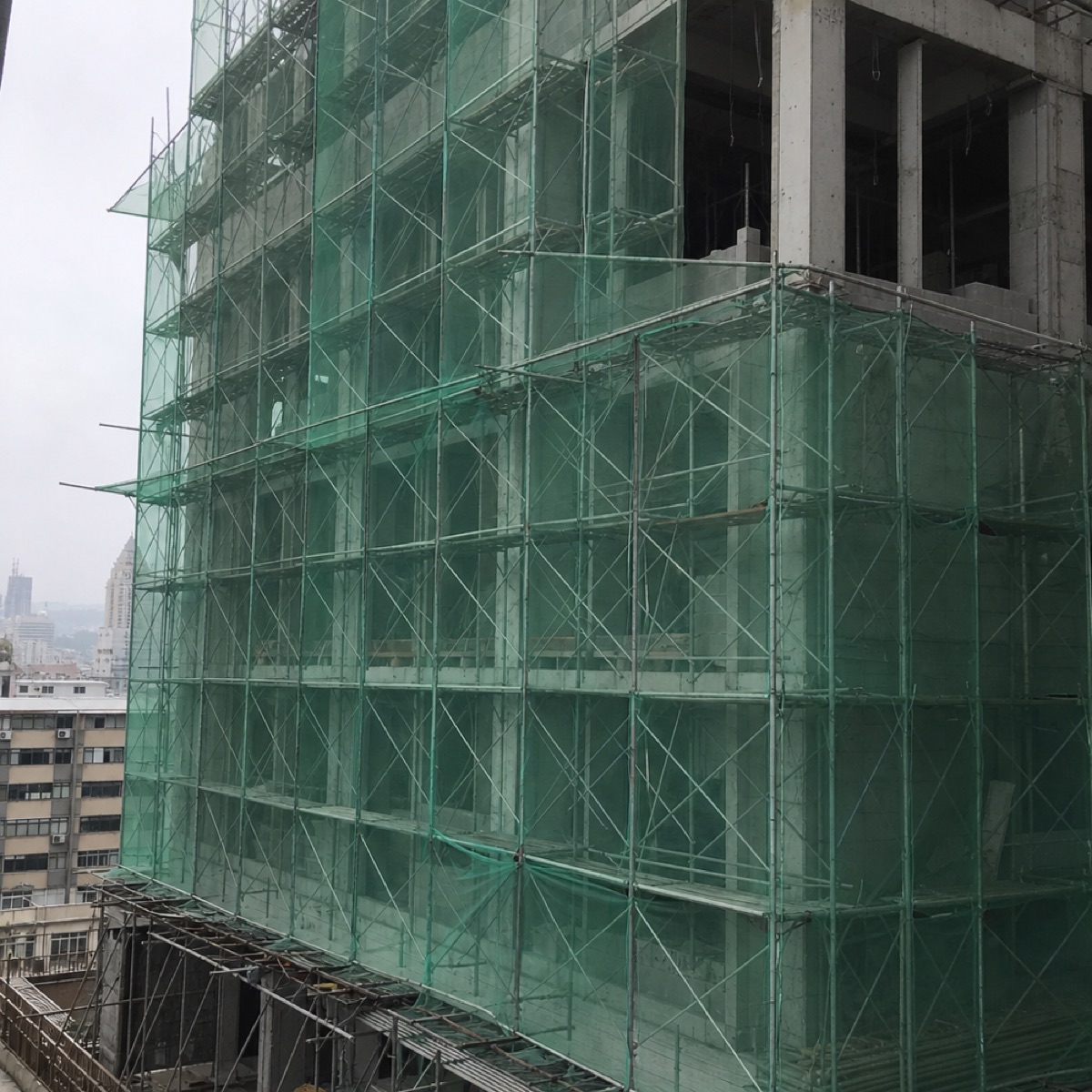
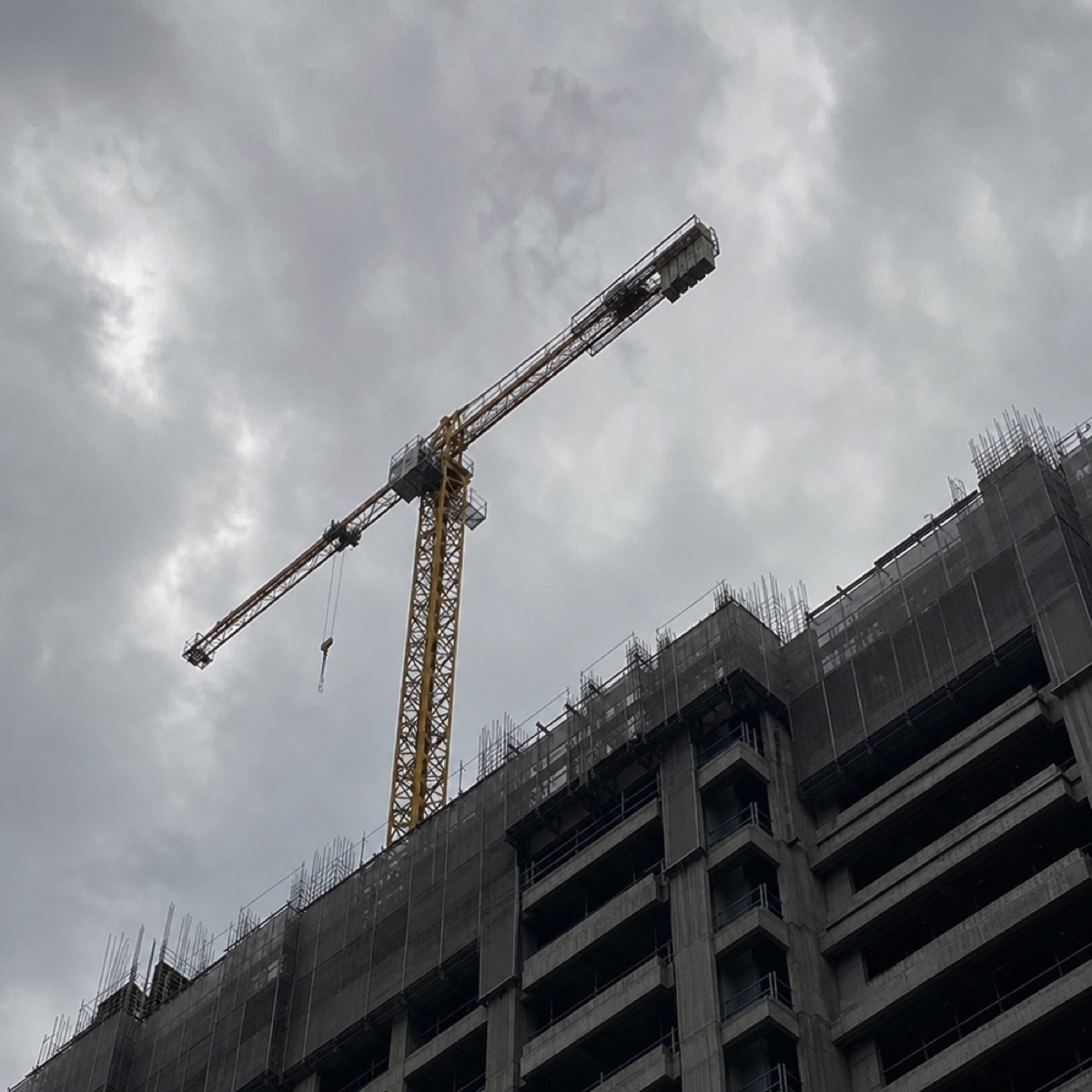
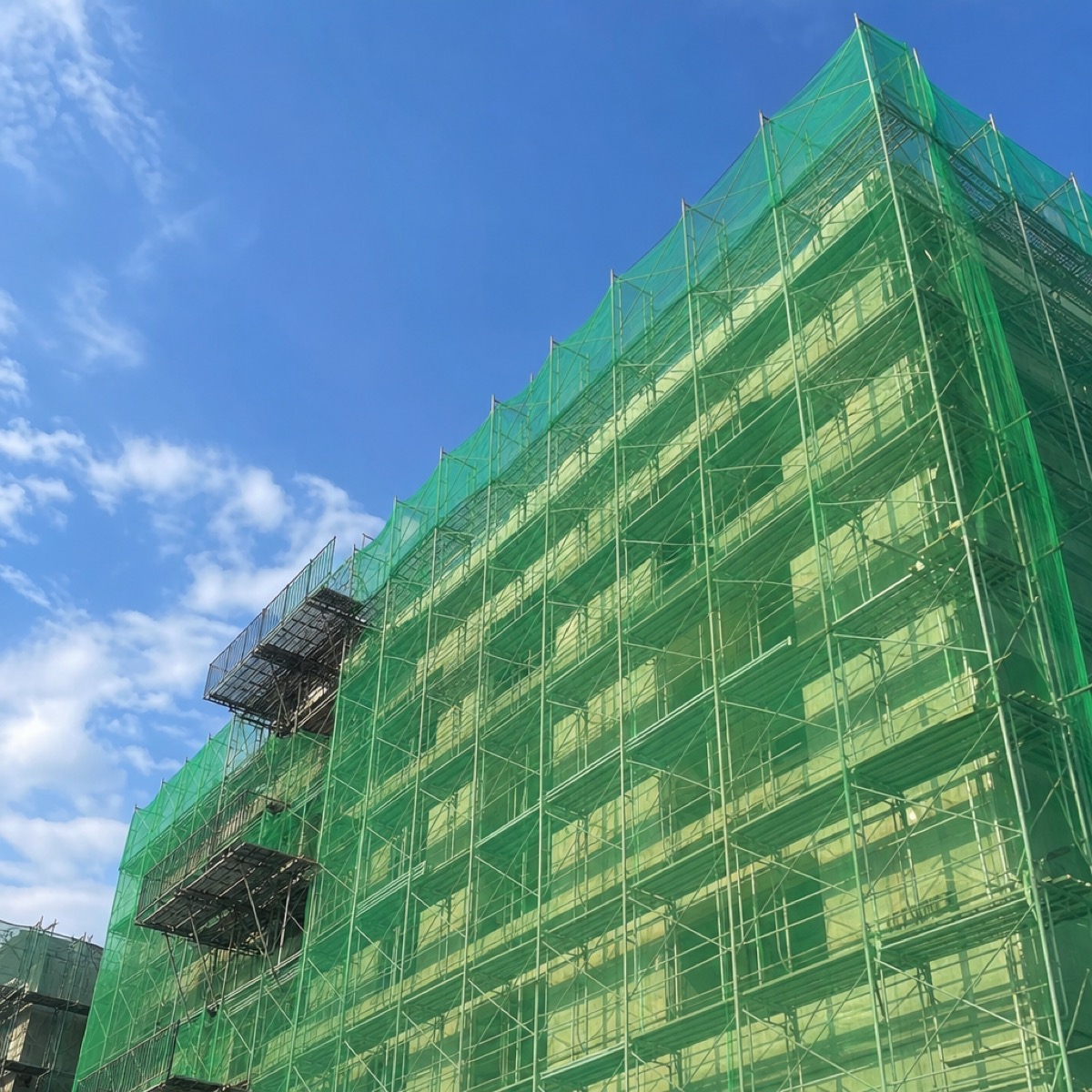
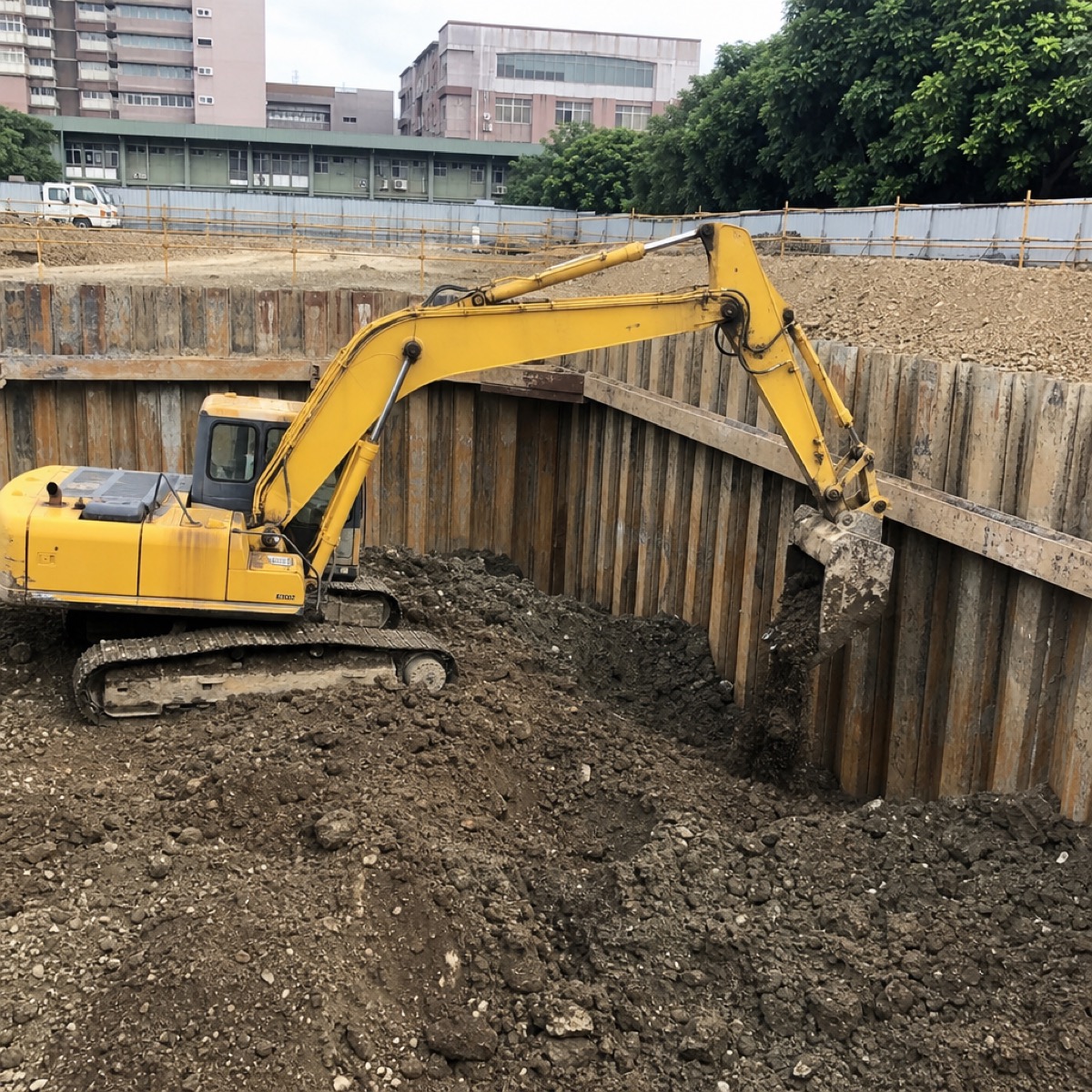
Curated construction photos can be presented in the Gallery block in a variety of ways, so owners, architects, consultants, contractor managers, and site staff alike can browse them with ease.



Video · training and briefings
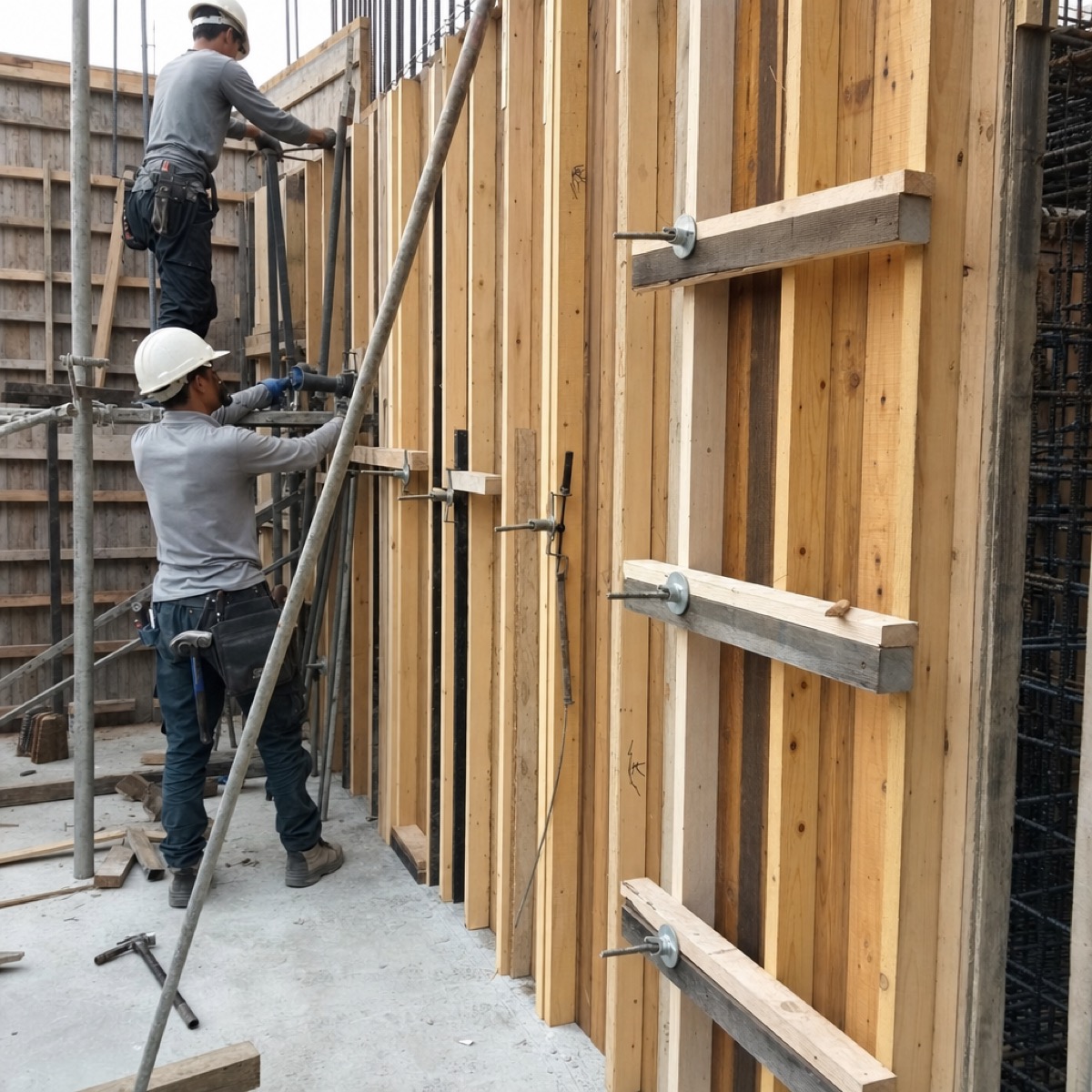
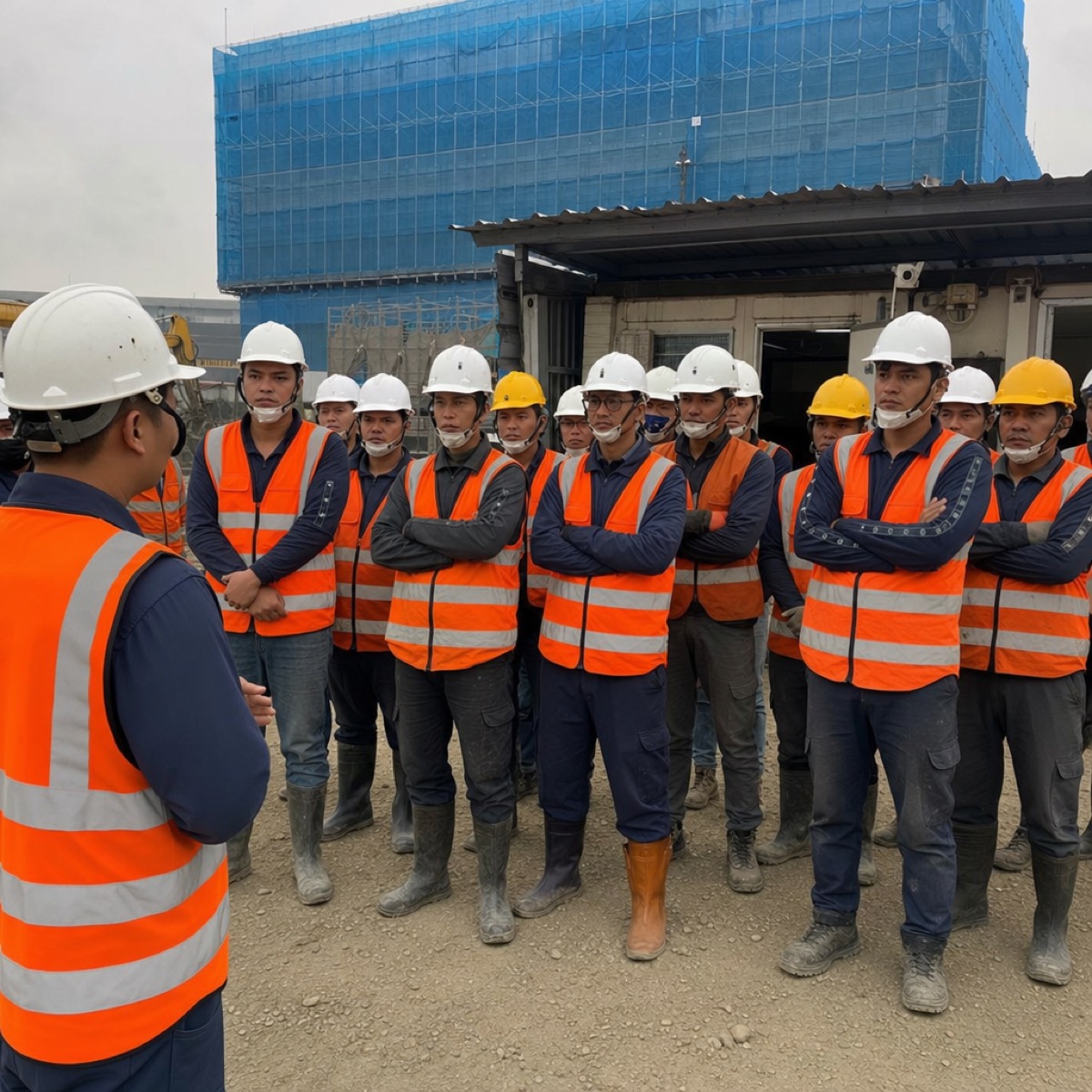
Training for new hires and existing staff, construction demonstrations, safety briefings — drop the video link into the Video block so site staff can open and watch it whenever they need, instead of chasing different departments to borrow or download it.



Data library · data sovereignty
Every block's files ultimately collect into one single data library. For security reasons, the entire dataset can be hosted on the customer's own server — so data sovereignty stays firmly in your own hands.
Notifications · no more chasing one by one
For tracked items or the latest file updates, the system sends notifications: whoever needs to act, whoever needs to see it, gets notified directly. Once something is handled, the management side gets the response back — no more chasing people one by one.
Each project in its place · overseen all at once
To emphasize again: each project's content is handled separately, each with its own home. One project, one dashboard, each belonging to its own site office. The company's management side oversees them all at once — without any of it getting tangled.
Compose freely · reshape the layout in three minutes
Every site is different, so every project dashboard is too. Drag and drop the blocks and reshape today's layout in three minutes.
Text
Briefing, announcement, or note.
Checklist
Daily checks, JHA acknowledgments.
Signable doc
RAMS / toolbox-talk acknowledgment.
Site diary
Append-only timestamped messages.
Days-since
Big counter: days since last incident.
Countdown
Permit expiry, milestones.
Progress
Timeline bar — how far today is between a start and end date.
Links
Quick references to external pages.
Video
YouTube / Vimeo / Loom embed.
Files
Drawings, permits, PDFs, Office docs.
File preview
Pin one PDF or Word doc — rendered open, inline.
Image preview
Pin one image — shown open, inline. Tap to enlarge.
Gallery
Photo grid / carousel / masonry.
CCTV
Live HLS / IP-camera stream, autoplays.
Map
Pin the site on the map — tap to navigate.
Form
Daily forms — toolbox, diary, permits. GPS-stamped. Exports to CSV / PDF.
Calendar
Day-based log. Tap a cell, pick a colored choice. See the month at a glance.
Daily files
Files uploaded today. Calendar view to browse past days. Auto-organized into dated subfolders.
Daily gallery
Photos for today's site. Calendar view to browse past days. Auto-foldered by date.

Want to see how SiteDrills runs?
Contact the team for the full SiteDrills demo-video link, or to arrange a walkthrough. Once it's a fit, we can open a trial workspace the same day.